
Free YouTube Voice Generator
Create clear, consistent YouTube narration from any script. Choose a voice for tutorials, Shorts, video essays, and channel intros, preview the delivery in your browser, then export audio that is ready for your edit. Downloads require an active paid membership.
- 01Tutorials
- 02Video Essays
- 03Shorts
- 04Channel Intros
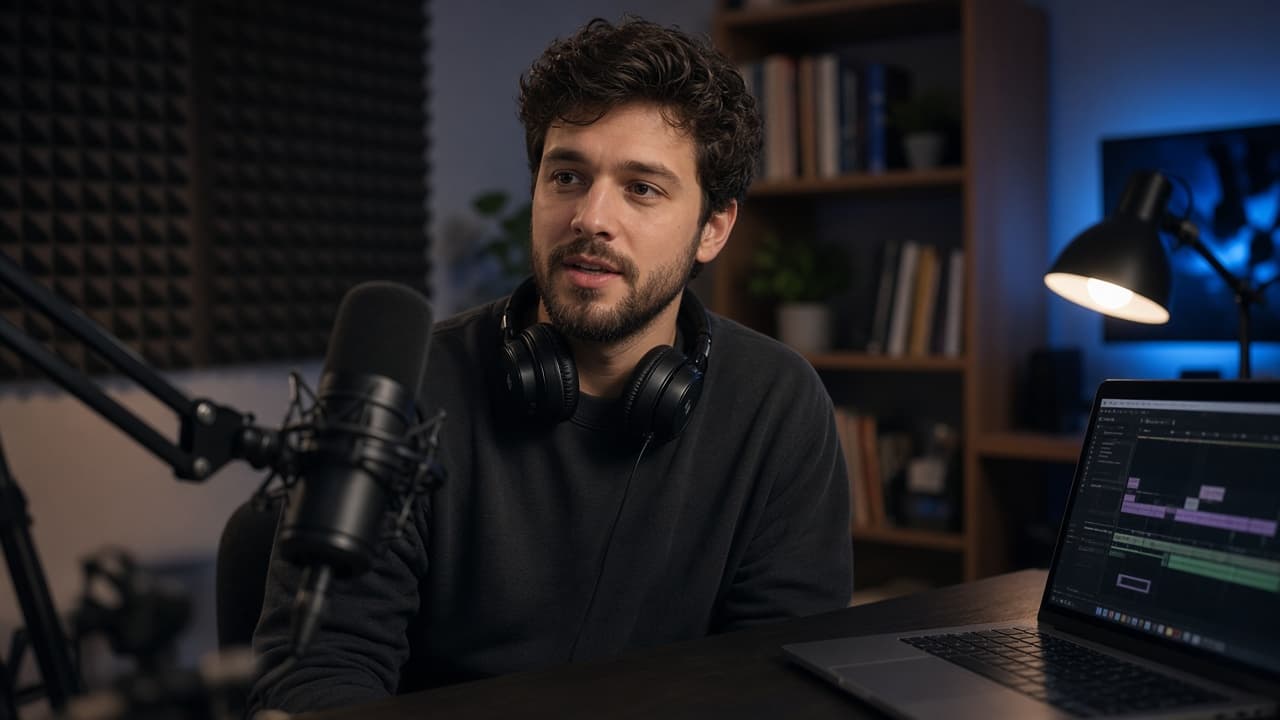
16:9 voiceover for tutorials, essays, and intros
Choose a sample to fill the editor. Prompts disappear once you start typing.
How to Use a YouTube Voice Generator
Turn a finished YouTube script into clear, ready-to-edit narration. Add the text, choose a voice that fits your channel, then generate and download the complete audio.
- 01
Paste the YouTube script
Paste your finished script into the YouTube voice generator. Use complete sentences, punctuation, and paragraph breaks to shape pauses, emphasize key ideas, and keep the narration easy to follow.
- 02
Choose the right YouTube voice
Explore 1,000+ AI voices and select one that matches your channel, audience, and video format. Preview a short section for free to check tone, clarity, pronunciation, and pacing.
- 03
Generate and download the voiceover
Generate the full narration once the preview fits your edit. Download the MP3 and add it to YouTube Studio, CapCut, Premiere Pro, or your preferred video editor.
Why Choose This YouTube Voice Generator
YouTube text to speech you can hear in the browser and download as MP3.
Clear channel narration
YouTube text to speech is the long-form read: tutorials, essays, and cold opens. Convert the script, hear it, then export MP3. Paid plans include commercial use.
Consistent delivery every upload
A YouTube AI voice that stays clear at 1.0x on a laptop speaker. Keep one host per series. Voice Library has 1,000+ voices if this page's set is too plain.
Preview before you publish
Preview news narration for free and check pronunciation, punctuation, and facts before export. Downloads require an active paid membership; paid plans include commercial use.
One YouTube Voice Generator. Every Kind of Video.
Match the voiceover to the job—from a ten-second hook to a full documentary—while keeping the same recognizable sound across your channel.
- 01
Make YouTube Shorts Stop the Scroll
Turn a tight hook, list, or punchline into a fast, expressive read that lands before viewers swipe away. Use the same YouTube Shorts voice AI for recurring series, preview the pacing against your cut, and export an MP3 that is ready for captions, music, and final timing.
Create a Shorts voiceover - 02
Guide Viewers Through Tutorials
Give every step enough clarity to follow without slowing the video down. Generate AI narration for YouTube tutorials section by section, revise a single instruction without recording the full lesson again, and keep product names, technical terms, and calls to action consistent from opening to export.
Narrate a YouTube tutorial - 03
Build a Voice Viewers Recognize
Choose one narrator for channel intros, recurring segments, explainers, and sponsor transitions. A consistent YouTube voiceover generator helps separate your channel from generic reads, so each new upload sounds connected to the last—even when different people write or edit the script.
Choose your channel voice - 04
Carry Long-Form Stories Without Vocal Fatigue
Turn video essays, documentaries, and deep-dive scripts into steady narration that can hold attention across chapters. Preview the delivery before committing, split revisions into manageable sections, and use text to speech software for YouTube videos without spending another evening rerecording a twenty-minute timeline.
Narrate a long-form video
YouTube Voice Generator FAQs
Related Voice Tools
Ready to narrate your next upload?
Open Studio, preview the first 30 seconds, and download when the take is ready.
Generate YouTube Voice