
Free Text to MP3 Converter
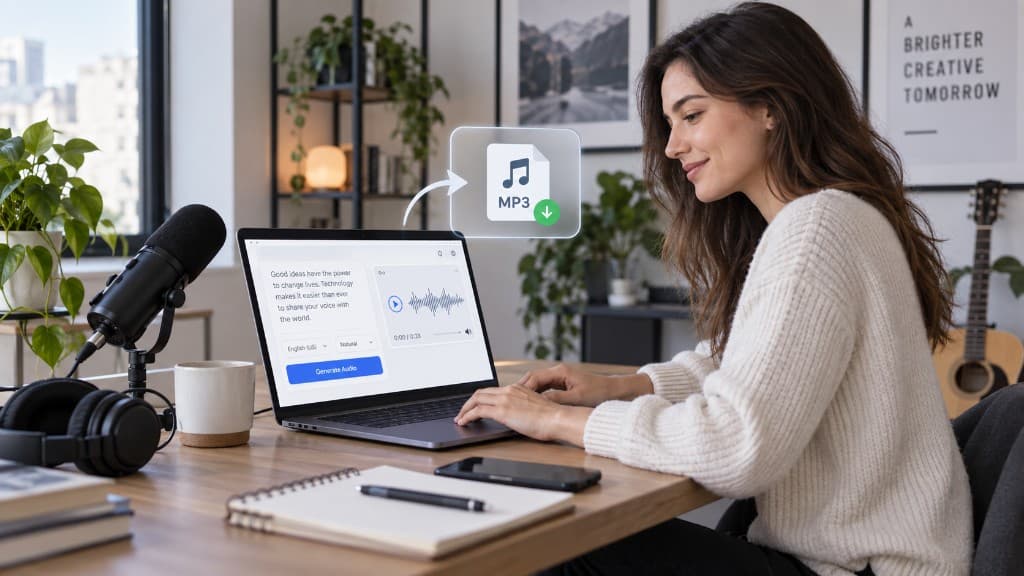
Create consistent, ready-to-edit narration from any script. Preview your text to speech MP3 in the browser, refine the delivery, and export audio for videos, podcasts, lessons, or audiobooks.
- 1,000+ AI Voices
- Find a voice that fits your content and audience
- Preview Before Export
- Check pacing and pronunciation in your browser for free
- Ready for Your Timeline
- Download MP3 for videos, podcasts, or training
Choose a sample to fill the editor. Prompts disappear once you start typing.
How to Convert Text to Speech MP3 Online
Turn a finished script into ready-to-use audio in three simple steps. Prepare the text, choose the right voice for your project, then generate and download the MP3.
- 01
Paste the script
Paste your finished script into the text to MP3 converter. Use punctuation, paragraph breaks, and complete sentences to guide the pacing and make the narration sound more natural.
- 02
Choose the right voice
Explore 1,000+ AI voices and select one that fits your audience and format. Preview a short passage for free to check the tone, clarity, pronunciation, and pacing.
- 03
Generate and download the audio
Generate the complete voiceover once the preview sounds right. Download text to speech as MP3 and add it directly to YouTube, TikTok, CapCut, podcasts, audiobooks, or training videos.
Why Choose This Text to MP3 Converter
A text to speech converter MP3 workflow you can hear in the browser and download when it sounds right.
High-quality audio exports
Download text to speech as MP3 for CapCut, YouTube, and TikTok. WAV stays available if you are working in a DAW. Paid plans include commercial use.
Natural narration voices
Convert text to MP3 with narration-first voices that stay clear at 1.0x on a phone speaker. Keep one host per series. Voice Library has 1,000+ voices if this page's set is too plain.
Real-time browser preview
Text to MP3 free means you can hear the take in the browser and download the file. Commercial-use rights come with a paid plan.
Text to MP3 for Video, Audiobooks, and Training
Focus on the file format: preview in the browser, then export MP3 for editors, chapters, and training tracks.
- 01
Voice beds for video timelines
Turn tutorials, explainers, demos, and intros into clear voiceover beds without re-recording every revision. Keep one narrator across a series, preview pacing against the cut, then export MP3 for your editor.
Export an MP3 voiceover - 02
Fast voiceovers for short edits
Create quick voiceovers for hooks, product clips, and short tutorials. Preview the opening lines, tighten pauses for fast cuts, then drop the exported MP3 into your short-form editor.
Export MP3 for a short edit - 03
Chapter narration for audiobooks
Convert chapters, short stories, and serialized fiction into consistent narration without recording long sessions. Generate audio one section at a time so you can correct a sentence or replace a paragraph without rebuilding the entire book. Export each approved chapter as an MP3 that is easier to organize, review, and publish.
Narrate an audiobook chapter - 04
Lesson tracks for training and courses
Give onboarding lessons, software tutorials, presentations, and internal training videos a clear, consistent narrator. When instructions change, update the script and regenerate only the affected section. Export the finished MP3, place it on the lesson timeline, then add captions and supporting visuals for a complete learning experience.
Create a training voiceover
Text to MP3 FAQs
Ready to export your narration?
Open Studio, preview the first 30 seconds, and download when the take is ready.
Convert Text to MP3